— Buyer's Guide
How to Check MahaRERA Registration for a Mumbai Project
A RERA number in a brochure is only the start. Here is how to verify it on the MahaRERA website, what to read on the project page and the red flags to watch for.
By Sigma Homes · Published 14 October 2026 · Updated 14 October 2026 · 6 min read
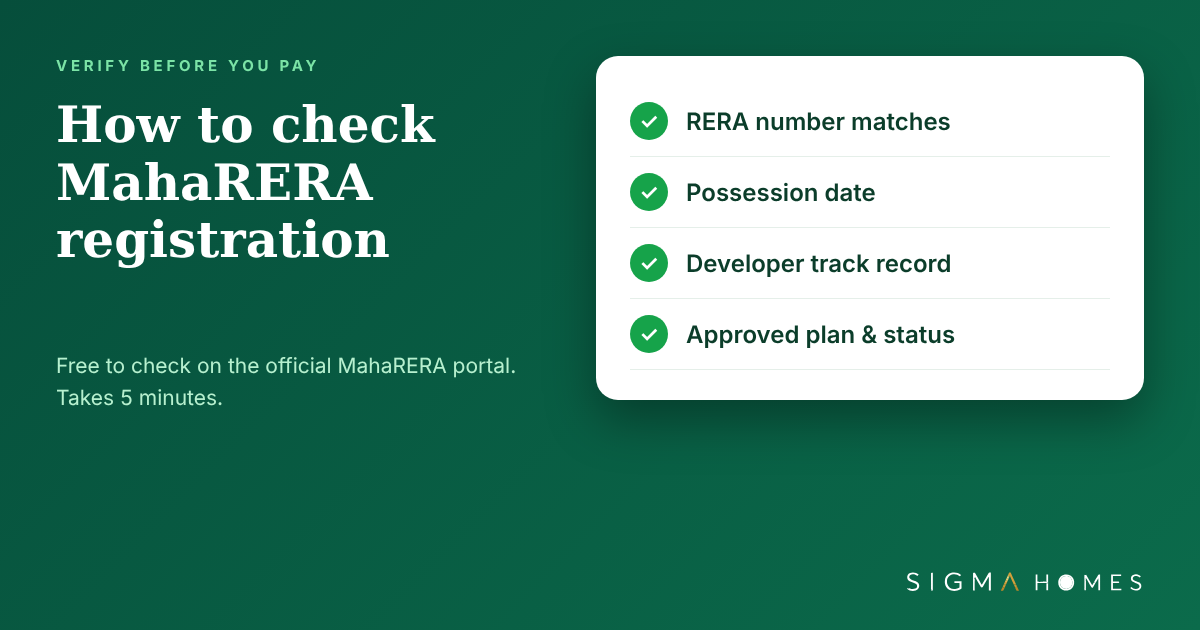
Every residential project in Maharashtra that meets the size thresholds must be registered with MahaRERA before it is advertised or sold. The registration number printed on a brochure is only a claim until you check it yourself. This guide shows you how to verify a Mumbai project in a few minutes and what to look for once you are on the page.
Why RERA registration matters
A registered project has declared its approved plans, land title details, promoter information, completion date and bank account for buyers' payments. That gives you a public record to hold the developer to. Buying in a project with no registration number leaves you without that record and without the protections RERA gives homebuyers.
How to search a project on the MahaRERA website
- Go to the official MahaRERA website, maharera.maharashtra.gov.in.
- Open the Home Buyers section and choose Registered Projects.
- Search using the MahaRERA registration number (it usually begins with the letter P followed by digits) or use filters such as district and pincode.
- Open the project from the results and select View Details to read the full registration.
What to check on the project page
1. Name, promoter and registration number
Confirm the project name and the promoter's name match the brochure and your booking form. A mismatch is a reason to stop and ask questions.
2. Completion date
The RERA completion date is the date the developer has legally committed to. Compare it with the possession date you were quoted verbally.
3. Approved plans and commencement certificate
Check that the layout approval and building plan approval are uploaded, and that the commencement certificate covers the building you are buying in.
4. Land and title details
Look at the landowner details, the legal title report and any encumbrance information. If these are missing or unclear, ask your lawyer to review before you pay.
5. Apartment types, carpet area and units booked
The page lists apartment types, carpet areas and how many units are booked. Compare the carpet area on the page with the carpet area in your Agreement for Sale.
6. Litigation and past projects
Read the litigation section and the promoter's past experience. A developer's earlier projects tell you more about delivery than a brochure does.
7. Bank account for payments
Payments for a registered project are collected into a designated project account. Check that the account in your payment instructions matches the one declared.
Red flags
- A brochure with no registration number, or a number that returns no project when searched.
- A project name or promoter that differs from the one on MahaRERA.
- A completion date on the website that is far earlier than the date you were promised in the sales office.
- Pressure to pay a large booking amount before you have seen the Agreement for Sale.
RERA numbers on our listings
As of 14 October 2026 we list 342 projects, and 325 of them carry a MahaRERA registration number. In Goregaon West, all 20 of our 20 listed projects have a registration number shown. Where a number is not displayed on a listing, ask us for the registration details before you take the project further.
One last check
A registration number is the minimum standard, not a guarantee of quality. Combine it with a site visit, a lawyer's review of the Agreement for Sale and a look at the developer's delivered projects.
If you want us to confirm the registration and track record of a project you are considering, tell us the project name below and we will share what we find.
Project counts are as shown on sigmahomes.co.in on 14 October 2026 and can change. This article is general buyer education, not legal advice. Always verify registrations and documents directly on the MahaRERA website.